
Option 1: By email
Send us an email to office@dopamine-technologies.com including the following information:
- Your registered email address
- Your username
We will then delete your user data manually.
Option 2: Directly in the app
You can also delete your account and all your user data directly in the app:
- Open the app and tap the gear icon (Settings) in the top right corner.
- In the settings menu, tap "Delete Account".

Step 1 · Tap the gear icon in the top right
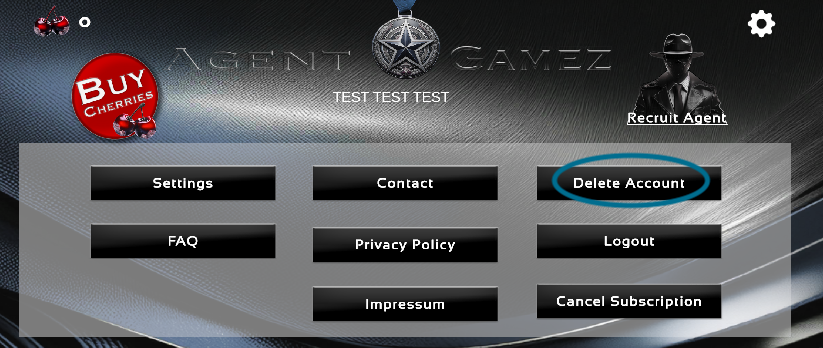
Step 2 · Tap "Delete Account"
This will permanently delete all of your user data.
Questions?
If you have any questions about deleting your data, contact us anytime at: office@dopamine-technologies.com